Prepare a poll today, open voting tomorrow and finish on Sunday: you can schedule the start and end with a date and time, together or separately. Share the link in advance; voting opens only at the scheduled start. Choose whether the options are visible beforehand and add an optional countdown. At the end, close the poll automatically or prevent only new entries while existing responses remain editable. You can also request an export by email. Find these settings under Start & end when creating or editing a poll.
All booked up? Join the waiting list! ⏳
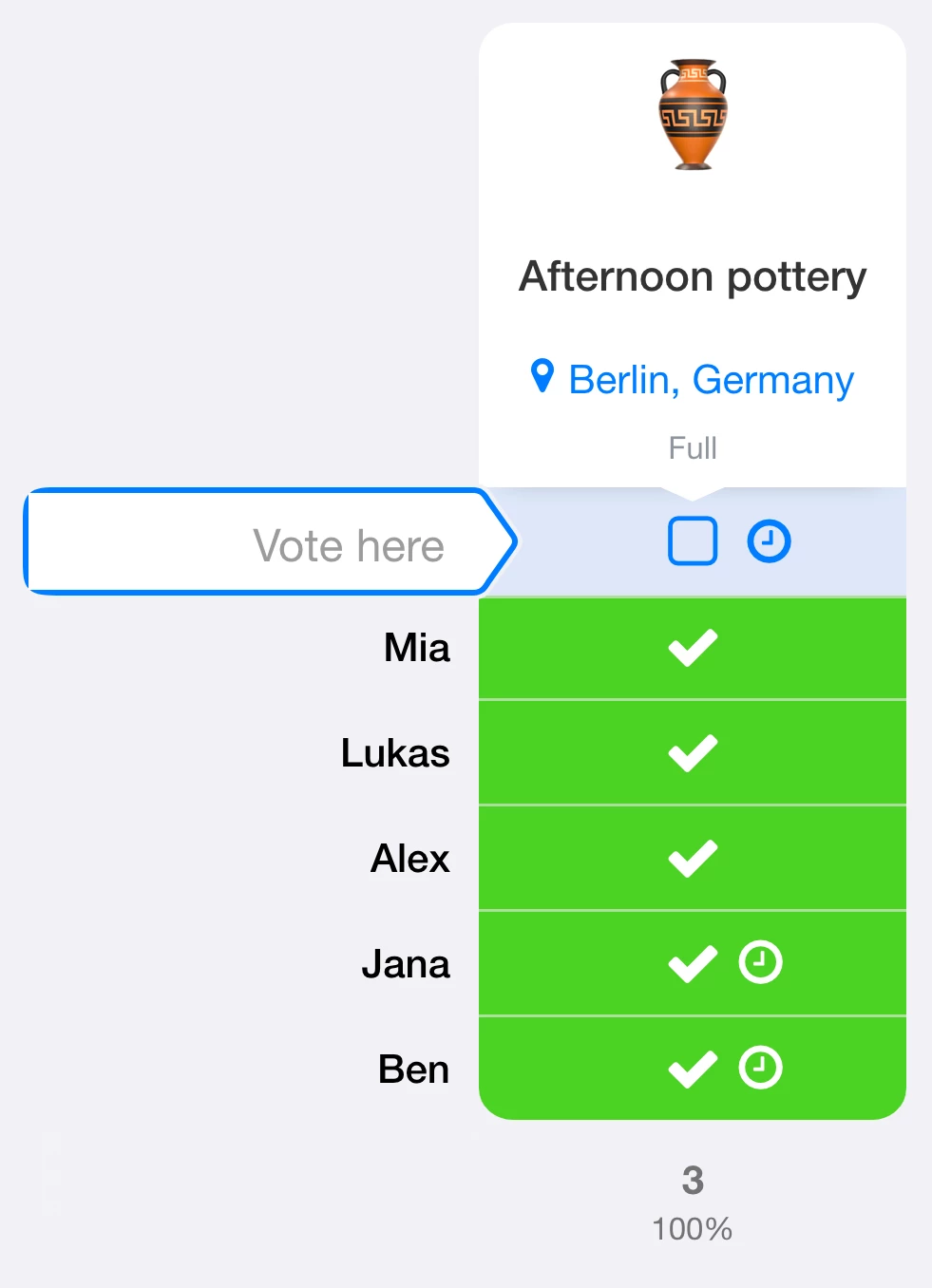
With the waiting list, participants can join a queue when all places are taken and move up automatically when a place becomes available. You can change the order or admit people yourself. Useful for full courses, training sessions and events.
New free-text types: dropdown lists and keypad
Create your own reusable dropdown lists so participants can choose an entry with a click. You can maintain several lists and reuse them in later polls. The new keypad field also makes entering numbers easier, for example in prediction polls or for a separate quantity field.
Let participants add options
If you trust your group, allow participants to add text options directly to the poll. Everyone can then select those new options.
Switch user accounts
Use several fragab accounts for your club, private plans or work? Tap your profile picture in the top menu, add the accounts and switch between them.
Images in options 📷
Add images to options: compare design ideas, show possible venues or make the choices clearer. Open the option menu when creating an option to search for images or upload your own.
Sort polls by date 🕰️
The Upcoming filter sorts your poll overview by dates. Your selected date options come first, followed by polls with upcoming dates, then the remaining polls by their last change.
Block options 🚫
Lock an individual option to prevent new votes or changes to votes for that option. The poll stays open and the other options remain available.
Create polls with AI 🪄
Use the AI feature in the poll creation form to prepare a poll from your description. It is a beta feature: suggestions may be incorrect or misunderstand your request. Review and edit the draft, or try a different description. We continue to refine the feature.
Themes ☀️
Choose a theme from categories such as Food & Drink, Sport, Events, Business, Party or Nature. The design appears as the background and a short opening animation.
Binding vote ✅
Make votes binding: once saved, a response can only be changed by an administrator. This helps collect firm confirmations for your plans.
More free-text fields
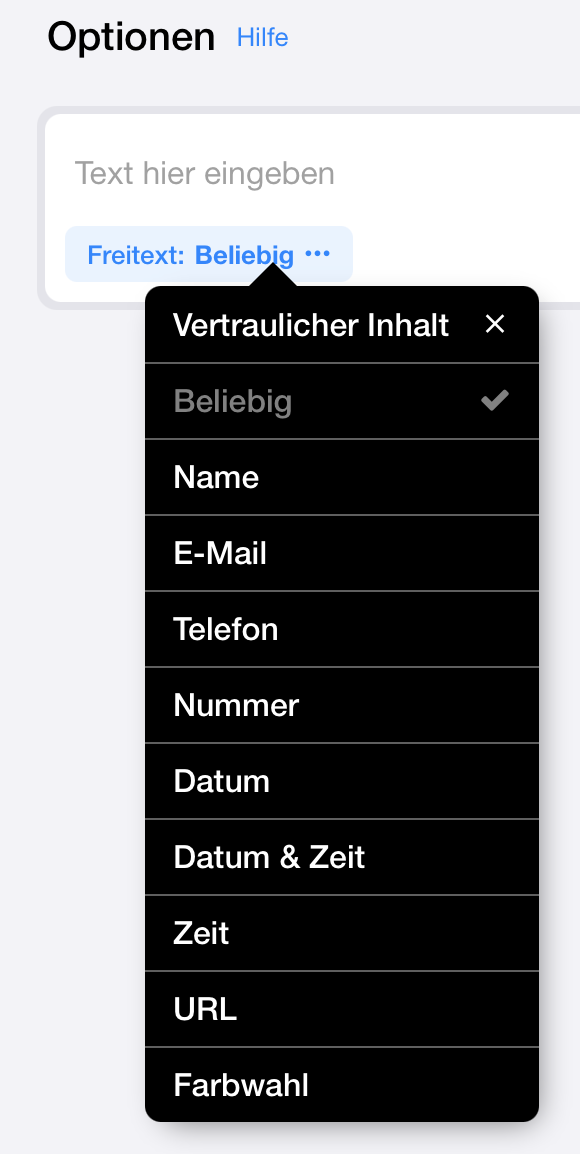
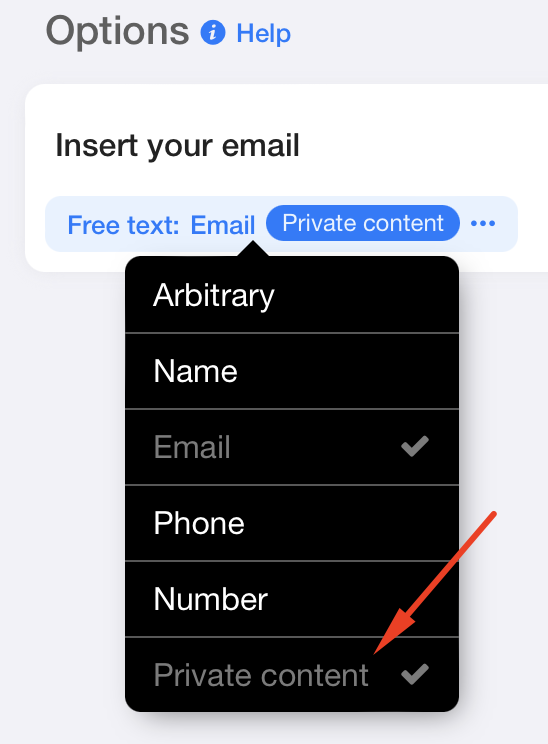
Choose fields for names, email addresses, phone numbers, numbers, dates, date and time, time, URLs or colours. Input is checked against the selected type; unrestricted text is still available. Use confidential content when other participants should not see the information.
New sorting options ↑↓
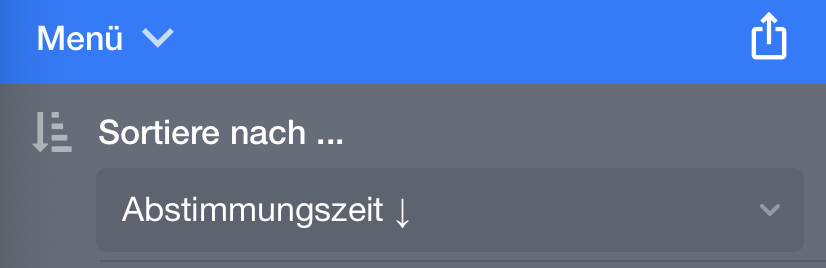
Sort not only by name, but also by comments, voting time, Yes votes or No votes. Use the menu in the poll or choose a default order in your fragab settings.
Dark mode is here 🌙🖤
fragab is available in dark mode. Prefer the light design even when your phone uses dark mode? Choose it in your fragab settings.
Multi-delete
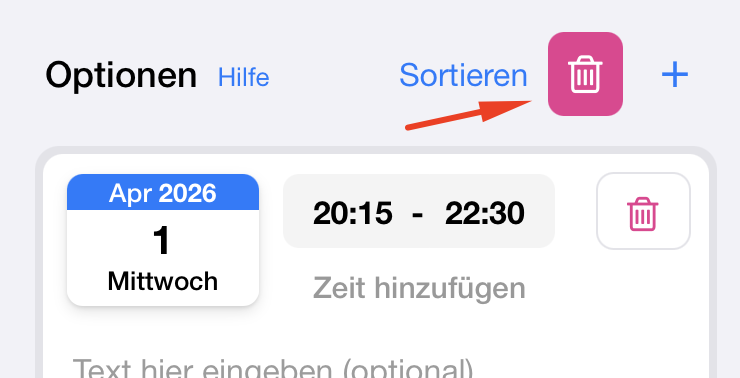
Delete several options at once in edit mode using the bin icon above the options.
Manage comments
Disable comments completely or make them visible only to administrators.
Limit maximum selection
The single-answer feature now also supports a custom maximum. Choose how many options each participant may select.
Delete expired options
In edit mode, remove all options whose dates have passed with one action. The ongoing poll mode can instead hide expired options automatically and show the next date, for example in training lists.
Paste lists
Paste a copied list into a text option. You can choose to turn each line into a separate option or keep the text together. Leading hyphens and checkboxes are removed automatically.
Emojis in options
An emoji at the start of an option is displayed larger automatically. Use it to make choices easier to recognise, for example in a football prediction poll.
Save reminder
A reminder appears when someone tries to leave a poll with unsaved changes. It helps participants remember the save step after choosing answers.
Hidden columns
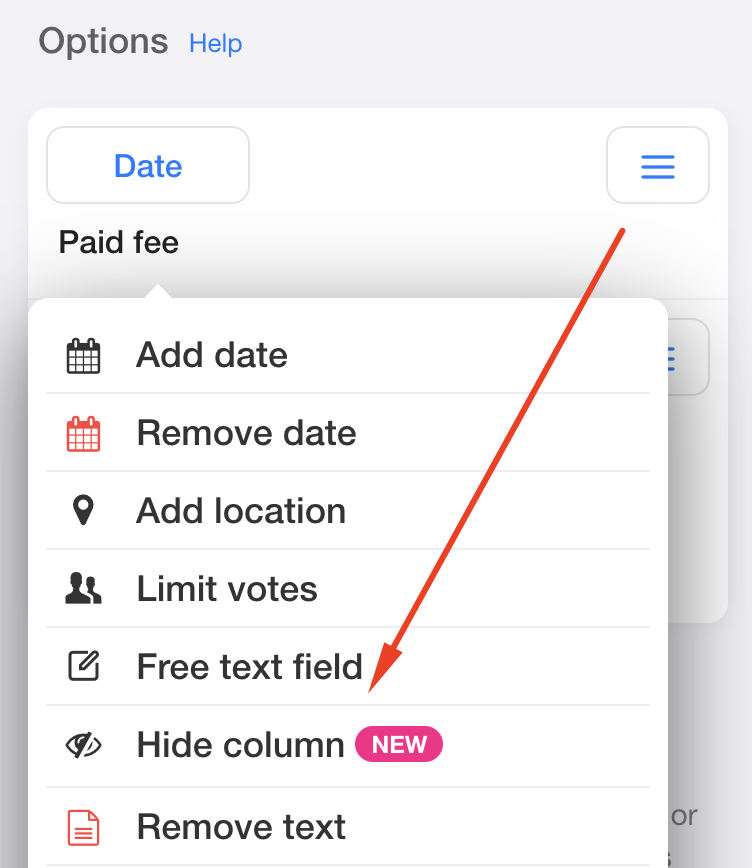
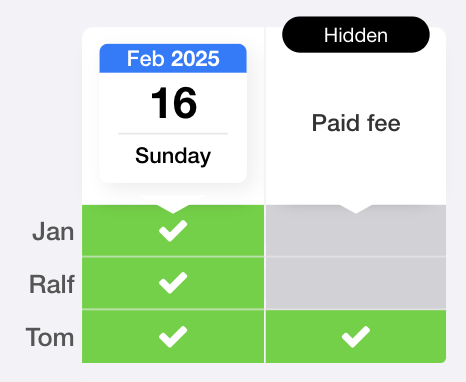
Hide individual options so that only administrators can see and fill them in. Use these columns for internal organisational information.
Confidential free-text data
Mark a free-text option as confidential. Its content, such as an email address, is then visible only to the person concerned and administrators, not to other participants.
Sign in with Google & Apple
Sign in or register in the app and on the web using an existing Google or Apple account.
Convenient scrolling
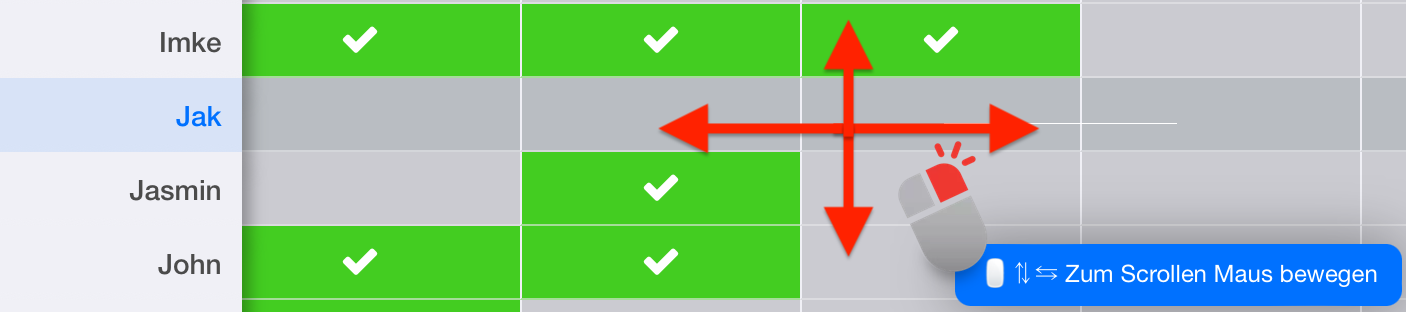
In a desktop web browser, hold the right mouse button to scroll through a large poll without using the scrollbars.
Instant update notifications
If a poll receives new votes, is changed or is closed while you are viewing it, a notice lets you know that its status has changed.
Disable voting passwords
You can disable automatic edit-password protection for participant entries. This is separate from the password that protects access to the poll. Use it only with a trusted group: unprotected entries can be changed by others. A password can still be set when needed. Signed-in participants and app users do not need to remember a separate voting password.
Subscribe to your personal calendar
Subscribe to or import your personal fragab calendar feed in iCal format in Outlook, Apple Calendar, Google Calendar or another calendar app. It contains date options from the polls in your overview. You can limit it to the dates you selected. Activate the calendar in your fragab settings.
Adjust vibrations
Turn off the app’s vibration feedback in your fragab settings if you prefer.
Free-text fields
Allow participants to enter text in an option, such as an email address, phone number, name or other information.
Cover page and QR code
If your account has an email address, creating a poll can send you a printable PDF cover page with its QR code.
Set the vote order
Choose how votes are sorted through the menu in a poll. This choice applies to you and that poll; the general default remains in your fragab settings.
Limited options
Set a separate capacity for each option, or leave an option unlimited. This lets you request the right number of helpers, cakes or equipment for an event.
Insert line breaks
In text options, hold Shift while pressing Enter to insert a line break.
Export by email
When a poll is scheduled to end, you can request an export by email. The revised export tools let you choose the data and format, add blank rows and a QR code, and use the redesigned PDF layout.
Send and reset voting passwords
After voting without an account, participants can request their voting password by email and receive a link to edit their entry later. Creators and administrators can also reset and share voting passwords to help participants regain access. The calendar picker now supports selecting several days and sorting them, with clearer highlighting. We have also added a blog, help section and a free fragab newsletter.