- Blog
- Appointment Scheduling
- Latest changes
- Plan courses and workshops
- What does fragab mean?
- Read poll results
- Create a scheduling poll
- Help
- Poll Types
Plan courses and workshops: settle the date and the signups
Do you still need a date for your workshop, or are the courses fixed and ready for signups? Start with the decision you need. A date poll collects availability; a signup list shows who wants to join each course.
Find a suitable course date
Explain the topic, planned duration and location. Include the cost if it matters to the decision. Add dates you can actually offer and share the participant link.
In a date poll, participants choose all suggestions they can attend. Review the replies and announce the date you decide on. Availability is not yet a confirmed course registration.
Collect signups for fixed courses
- Create one option per course: state the topic, date, start and end time, and location.
- Limit the choice: if each person should choose only one course, set the maximum number of choices to one.
- Set capacity: enable “Limit votes” and enter the available places. Adjust individual option limits for groups of different sizes.
- Share the participant link: ask people to enter their name, choose a course and save their reply.
A basic date poll is free. Selection limits and participation limits are included in Gold and Platin; waiting lists require Platin. Choose settings before sharing. The creation guide explains the form.
Live example: three creative courses
The creative day offers watercolours, sewing and pottery. Each course has four places; each person can choose at most one. Five sample entries show two people in watercolours, two in sewing and one in pottery. That leaves two, two and three places available.
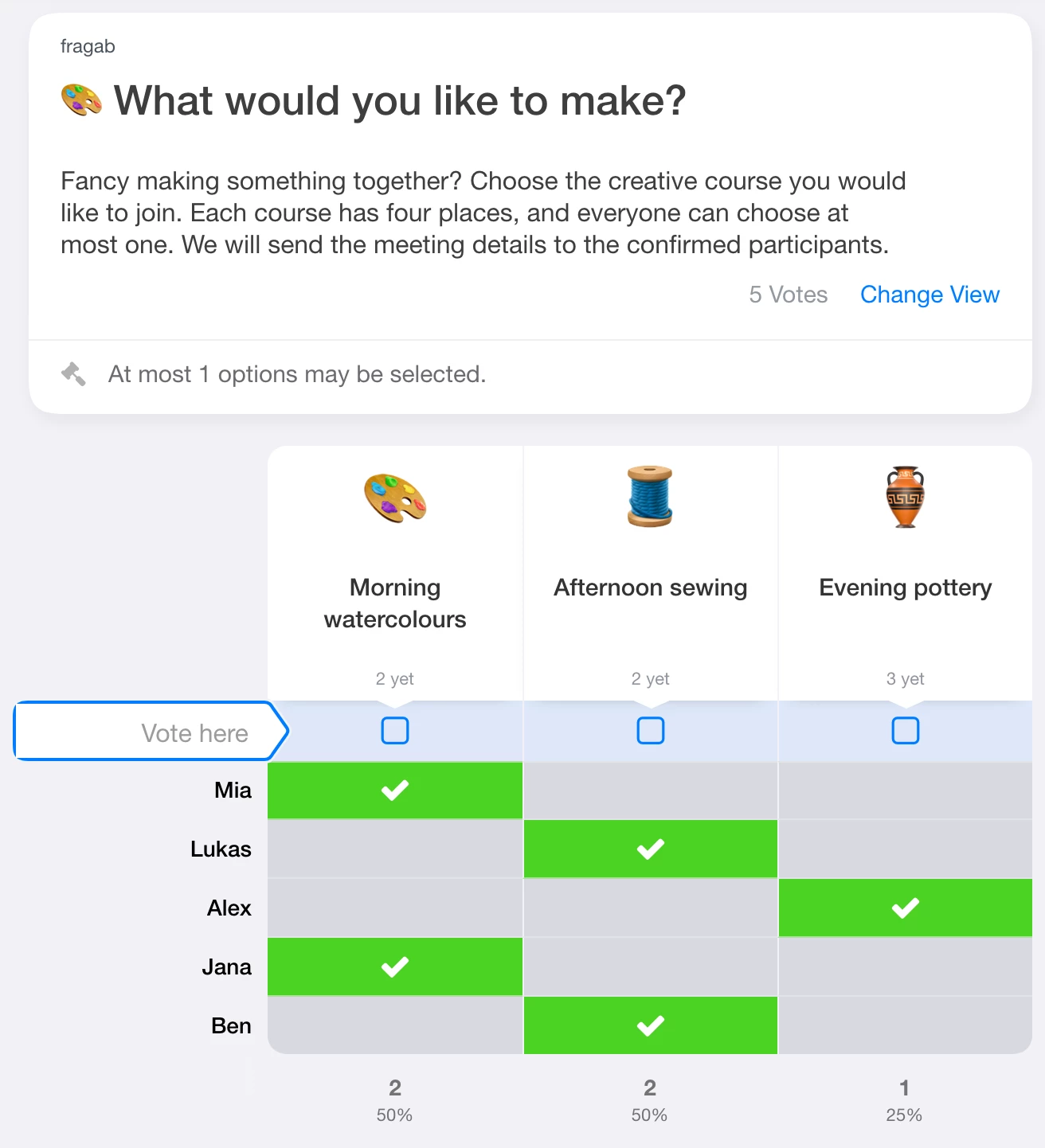
The example stays open and interactive. Try choosing a course; changes are not saved. Tap the image to enlarge it. Create your own poll for your group.
Check places and outstanding replies
Distinguish confirmed signups from people who have not replied. If one person may book several places, configure quantities in the signup list accordingly. Selectable quantities are also included in Gold and Platin. You do not need them for “one entry, one place”.
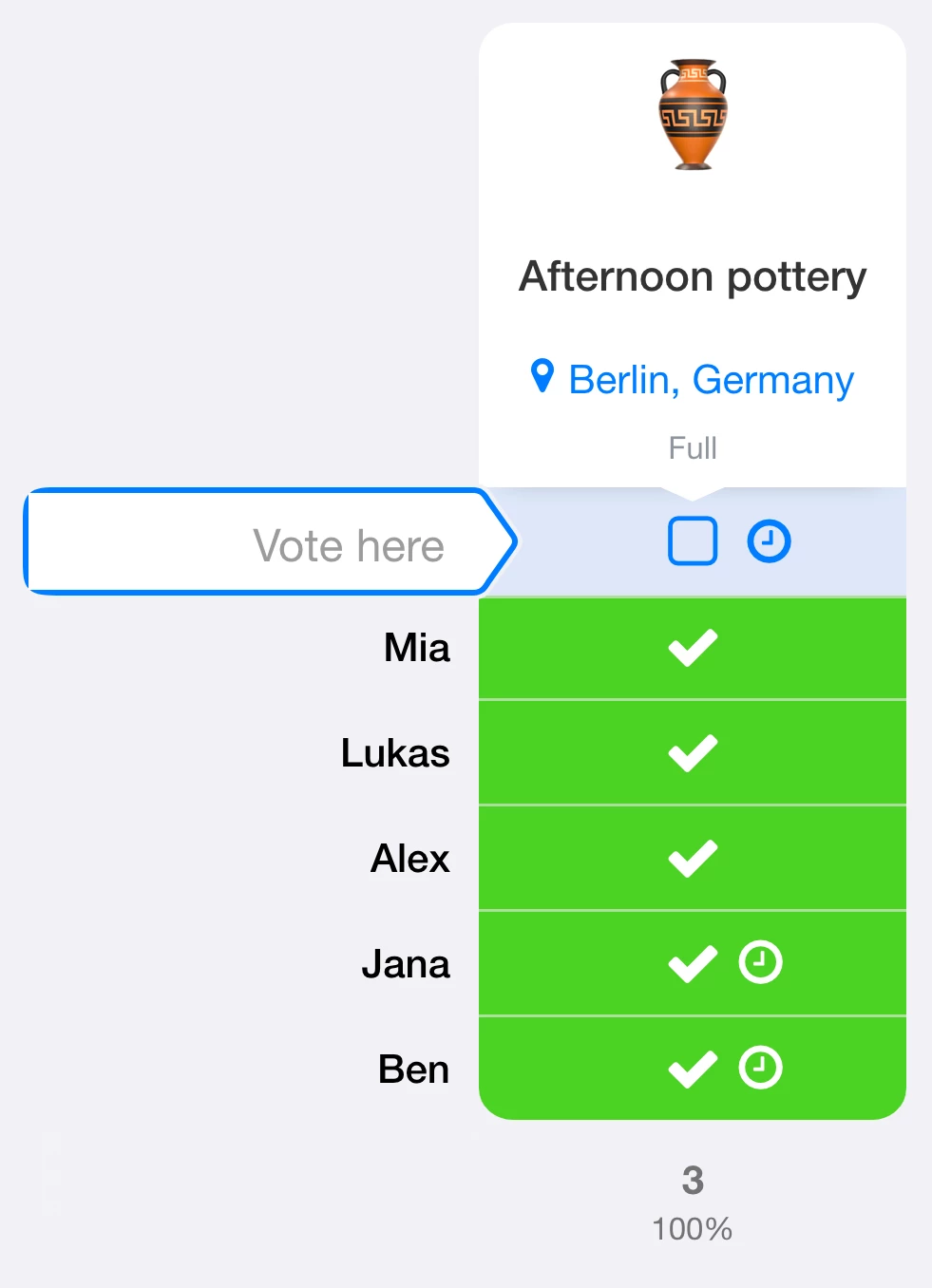
For a full course, a waiting list separates interested people from confirmed participants. Decide whether people move up automatically or you allocate free places yourself. The creative-course demo shows ordinary capacity limits without a waiting list.
For a course that spans several days, explain whether a signup covers one session or the whole course. Confirm the final arrangements before people plan travel or buy materials.
Keep course signups and waiting lists private
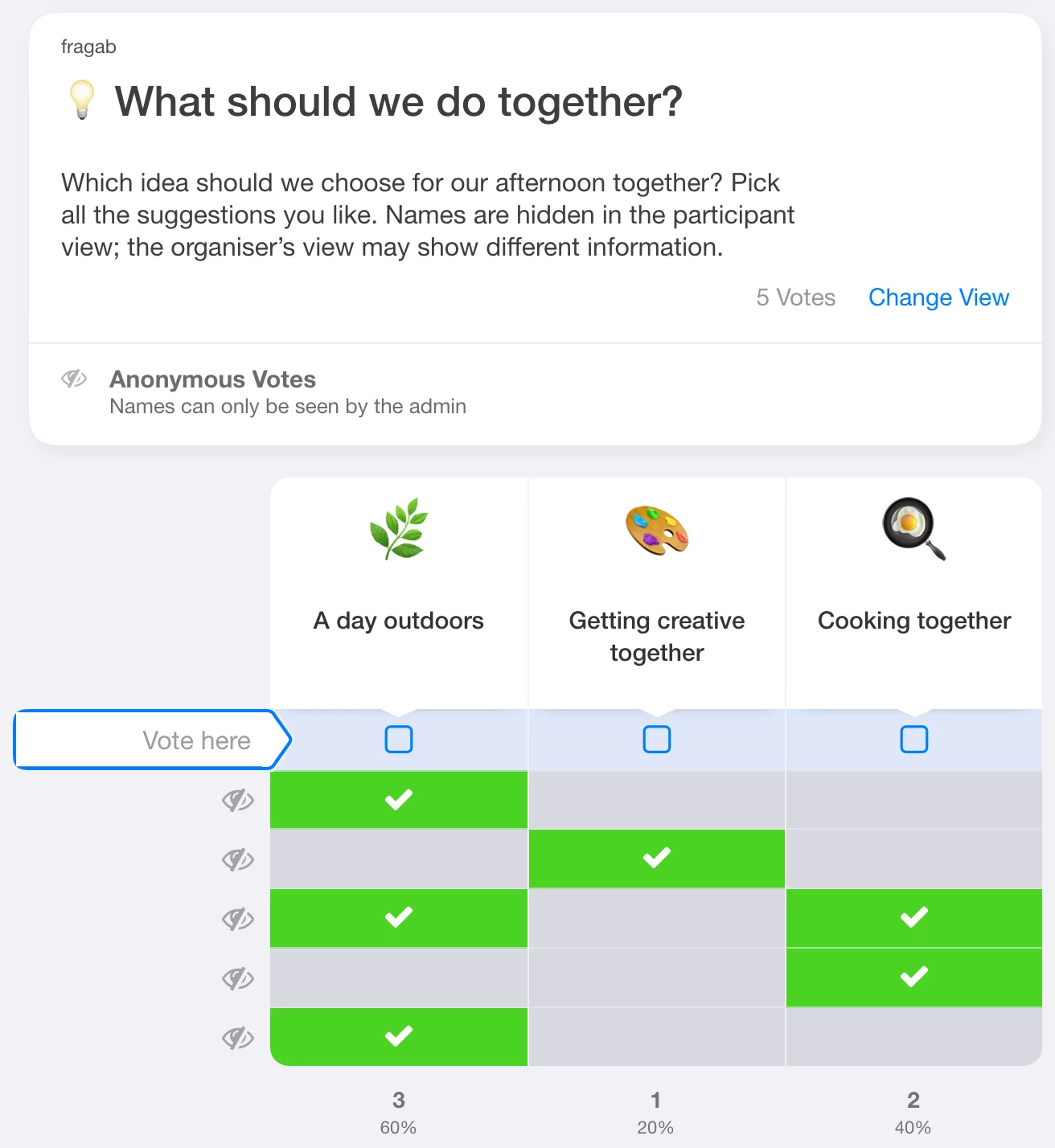
Should other participants be unable to see who chose which course? With private registration, you can hide other people’s names and choices separately. Without “Also for you and administrators”, administrators can still see the protected information.
These Gold/Platin privacy settings can be combined with a waiting list for course places, which requires Platin. Check waiting-status and position visibility too. Hiding waiting status alone does not make registration anonymous.