- Blog
- Help
- Poll Types
- Anonymous polls
- Create with AI
- Events & Parties
- Find a date
- Volunteer list
- Parent-teacher appointments
- Potluck list
- Choose a restaurant
- Save the date
- Signup list
- Text - Multiple Choice
- Training attendance
- Yes/No polls
Create a signup list: who wants to join?
The date is settled; now you need replies. A fragab signup list collects responses for your event. Explain clearly whether choosing an option expresses interest or confirms a place.
Start with the event details
Before asking for names, tell people what is happening, when it starts, where you are meeting and how long it will last. Include the cost and reply deadline if they matter to someone’s decision.
For one event, a Yes/No RSVP may be enough. If you offer different groups or time slots, create a separate option for each. A preferred time is not necessarily a confirmed booking.
Set capacity limits deliberately
Writing “maximum twelve places” in the description does not enforce a limit. Set the available capacity in the form, check the limit for each option and review the package requirements. Test it before sharing the link.
If you do not use a suitable limit, collect requests first and confirm places yourself. Explain that process. Calling a poll a signup list does not automatically reserve places or create a waiting list.
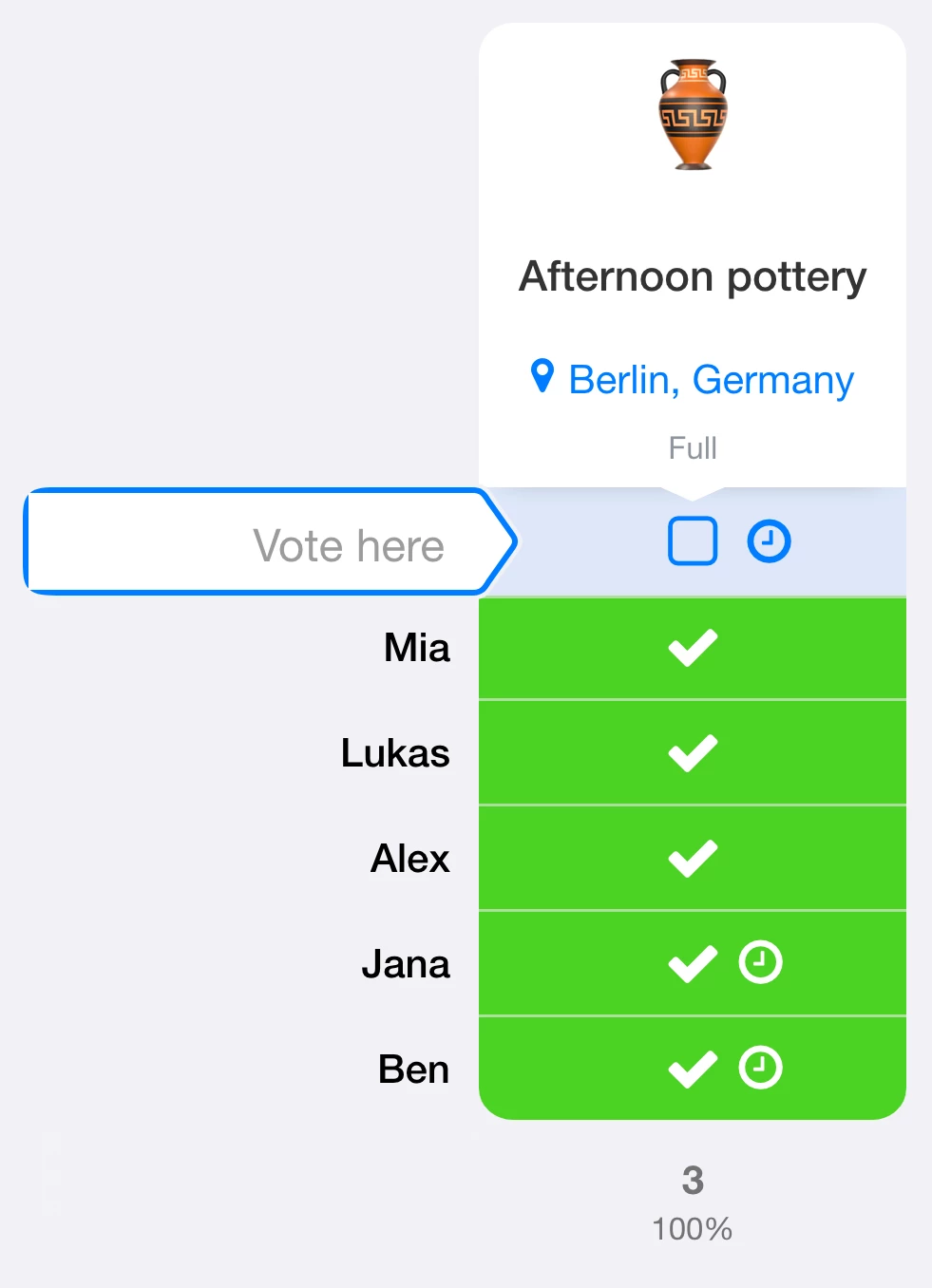
Should people be able to wait when an option is full? The waiting-list guide explains capacity limits, waiting status and moving into a place.
Build a clear list
- Create a poll with the event, date and location.
- Add the participation option or clearly named groups.
- Explain whether one person is signing up for one place or a whole group.
- Check choices, visibility and any limits.
- Share the participant link and review saved replies.
Ask explicitly about accompanying people when needed. Five entries do not necessarily mean five attendees. Collect only the information you need to organise the event.
Live example: creative-course signups
Participants can choose watercolours, sewing or pottery. Each course has four places, and each person can select at most one course. Five sample entries show two places taken in watercolours, two in sewing and one in pottery.
View the creative-course signup list
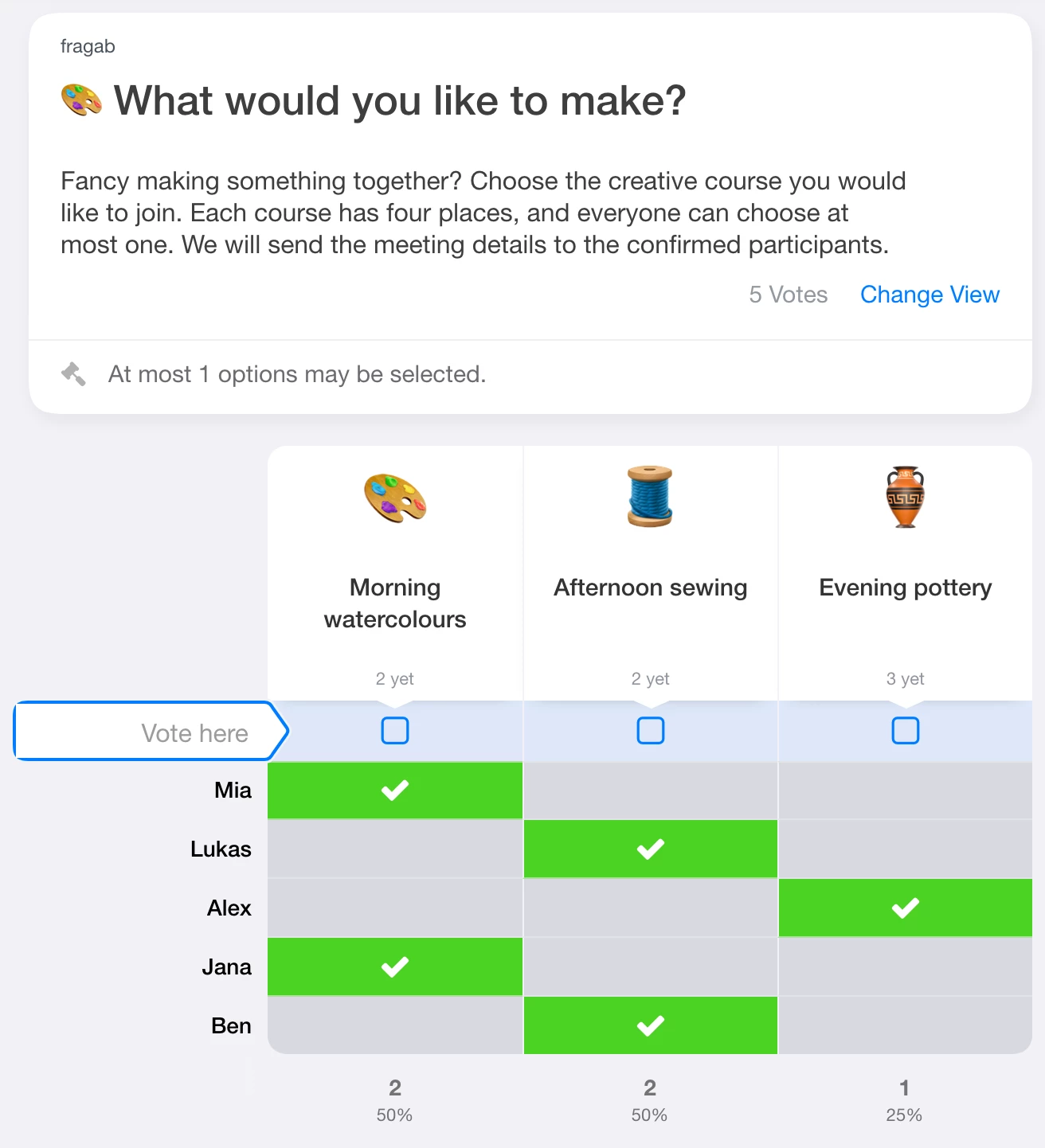
Try selecting an answer. This example stays open and interactive, but changes are not saved. Create your own poll for your group.
After people sign up
Send confirmed participants the final details and explain how to cancel. Check the actual list afterwards. A participation poll is not automatically a ticketing system, payment service or admission check.
Keep signups and waiting lists private
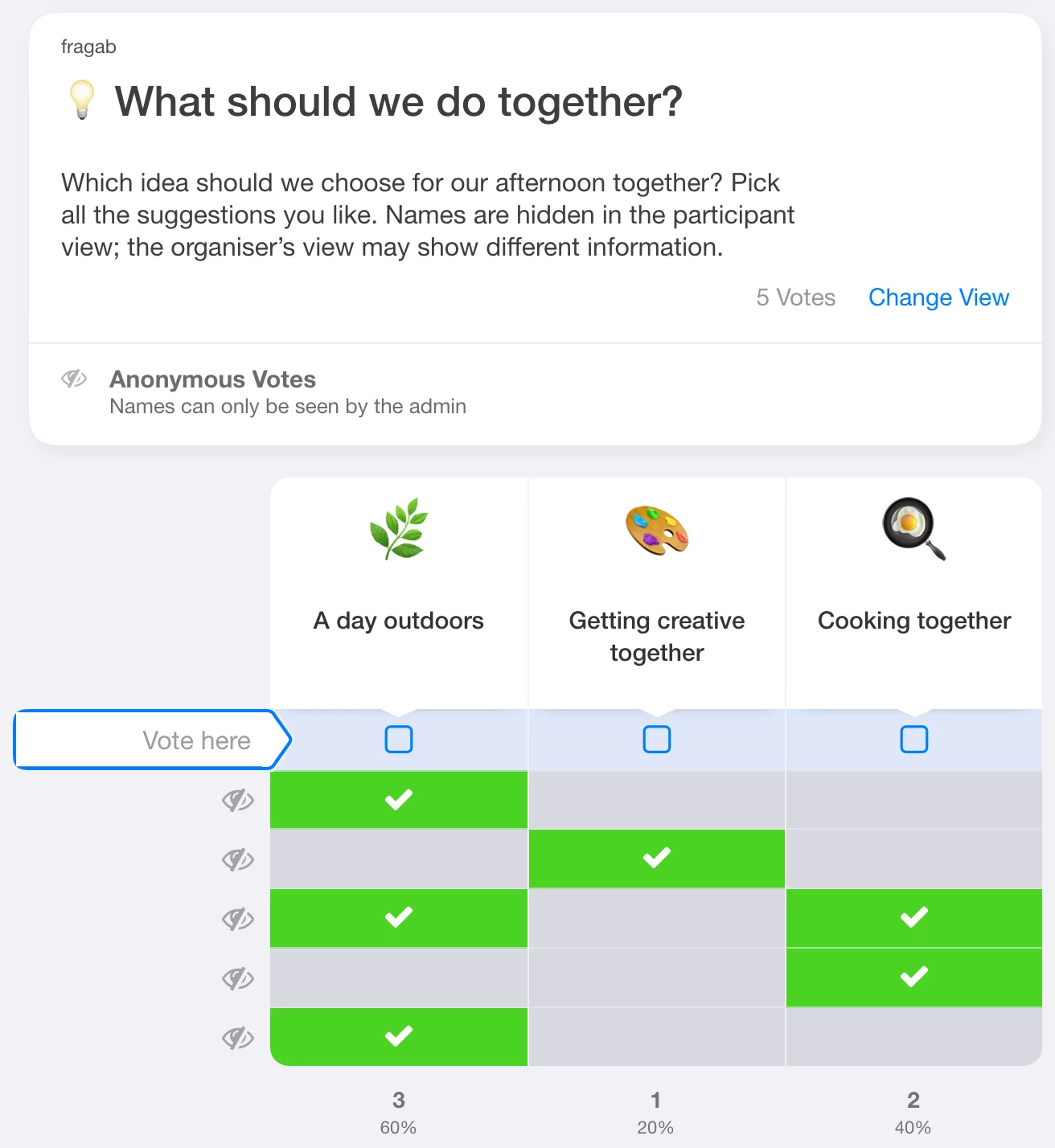
Not every list should be visible to the whole group. For private signups, hide other participants’ names and, if needed, their choices too. Without the additional “Also for you and administrators” setting, the people managing the poll can still access the protected information.
You can combine those privacy settings with a waiting list for full options. Check waiting-status and position visibility separately: hiding waiting status alone does not hide names. The privacy settings are included in Gold and Platin; waiting lists require Platin. The creative-course demo above shows ordinary visible signups.