- Blog
- Help
- Poll Types
- Anonymous polls
- Create with AI
- Events & Parties
- Find a date
- Volunteer list
- Parent-teacher appointments
- Potluck list
- Choose a restaurant
- Save the date
- Signup list
- Text - Multiple Choice
- Training attendance
- Yes/No polls
Create a training attendance list: who is coming?
Eight players might be enough for your planned drill; five might not be. A training attendance list helps you prepare the next session. With fragab, collect replies for specific dates and see where you still need answers.
Decide what the list is for
If training times are fixed, ask who will attend the upcoming sessions. There is no need to vote on the weekday again. If the venue or coach is not confirmed, first use a date poll to find a time.
Give the venue, start and finish times. If venues change, put the location on the relevant date option so a tick for Tuesday does not mean a trip to the wrong sports hall.
Offer a manageable set of sessions
Start with the next three sessions rather than a whole year. State when replies are needed. “Tuesday training” will become ambiguous without an actual date.
- Add each session as a date option with its time.
- Ask the group to select every session they can attend.
- Explain how to report a cancellation after an initial yes.
- Review the answers by the agreed deadline.
- Confirm whether the session will go ahead as planned or change.
A missing answer is not a cancellation
Distinguish an explicit no from someone who has not replied. The available answers depend on your settings, so explain briefly what the group should select. An empty cell does not give you a reliable headcount.
Live example: three training sessions
Five people have selected the sessions they can attend, with three positive replies for each date. Multiple dates can be selected. The live dates move forward by whole weeks; the screenshot records the dates visible when captured.
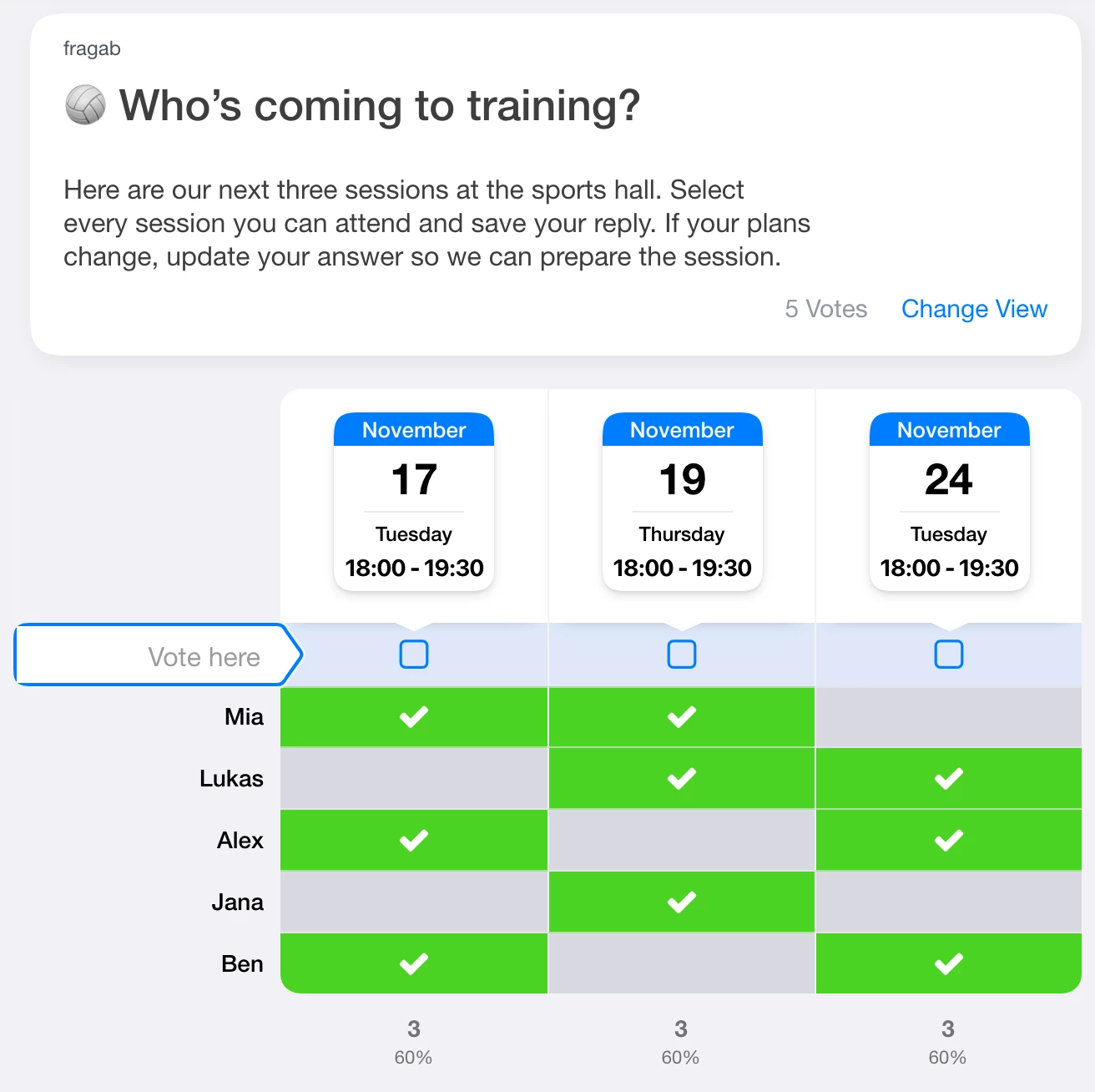
Selections in the example are interactive but are not saved. Make your own list to collect actual team replies.
Prepare the next planning period
Keep past and upcoming sessions clearly separated. Create a new list for a new planning period and share its current link. This workflow does not depend on automatic recurring sessions. Collect offers of equipment or transport separately from attendance.
The creation guide shows the controls. A volunteer list helps with individual club tasks.
Limited places and private replies
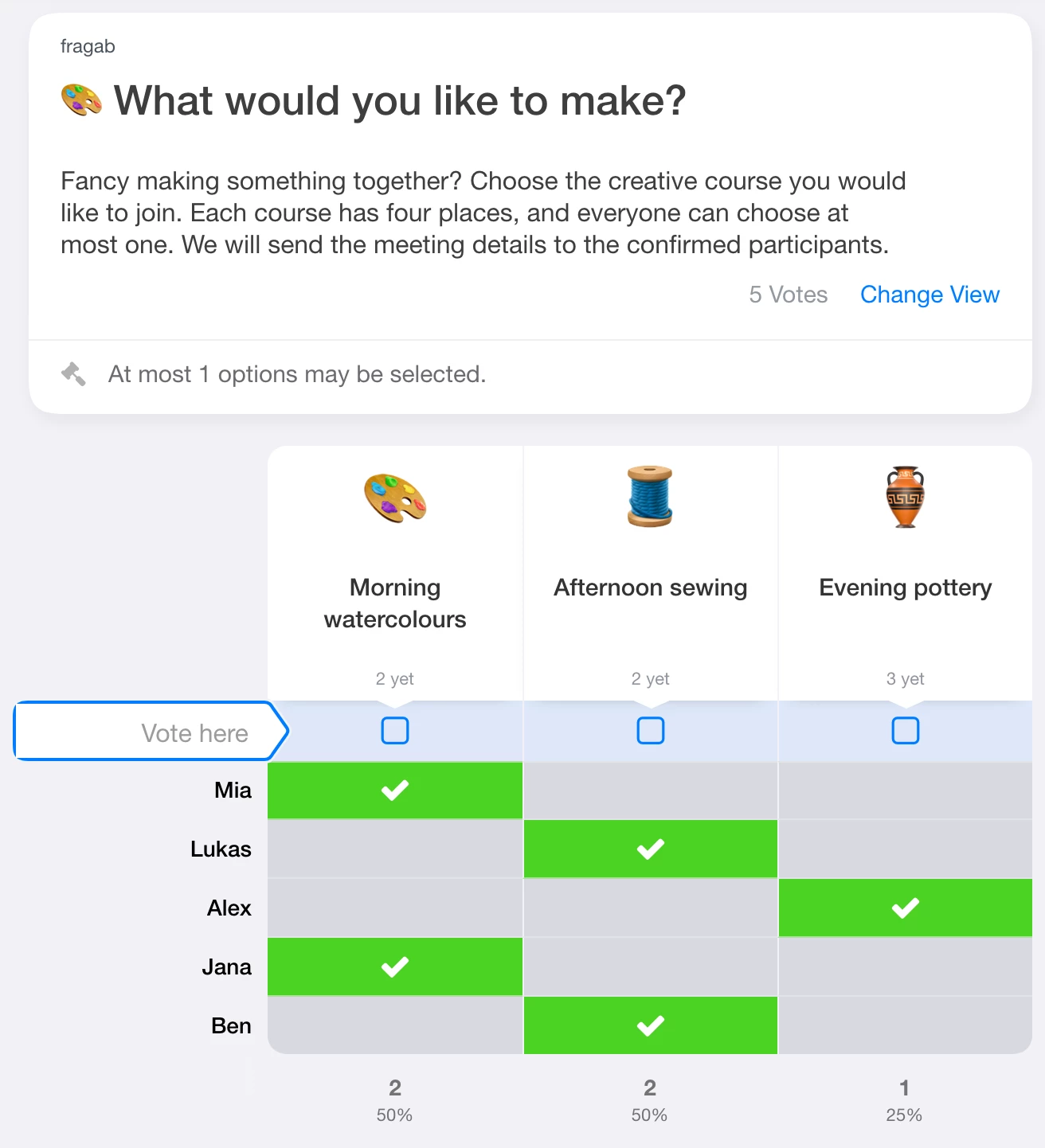
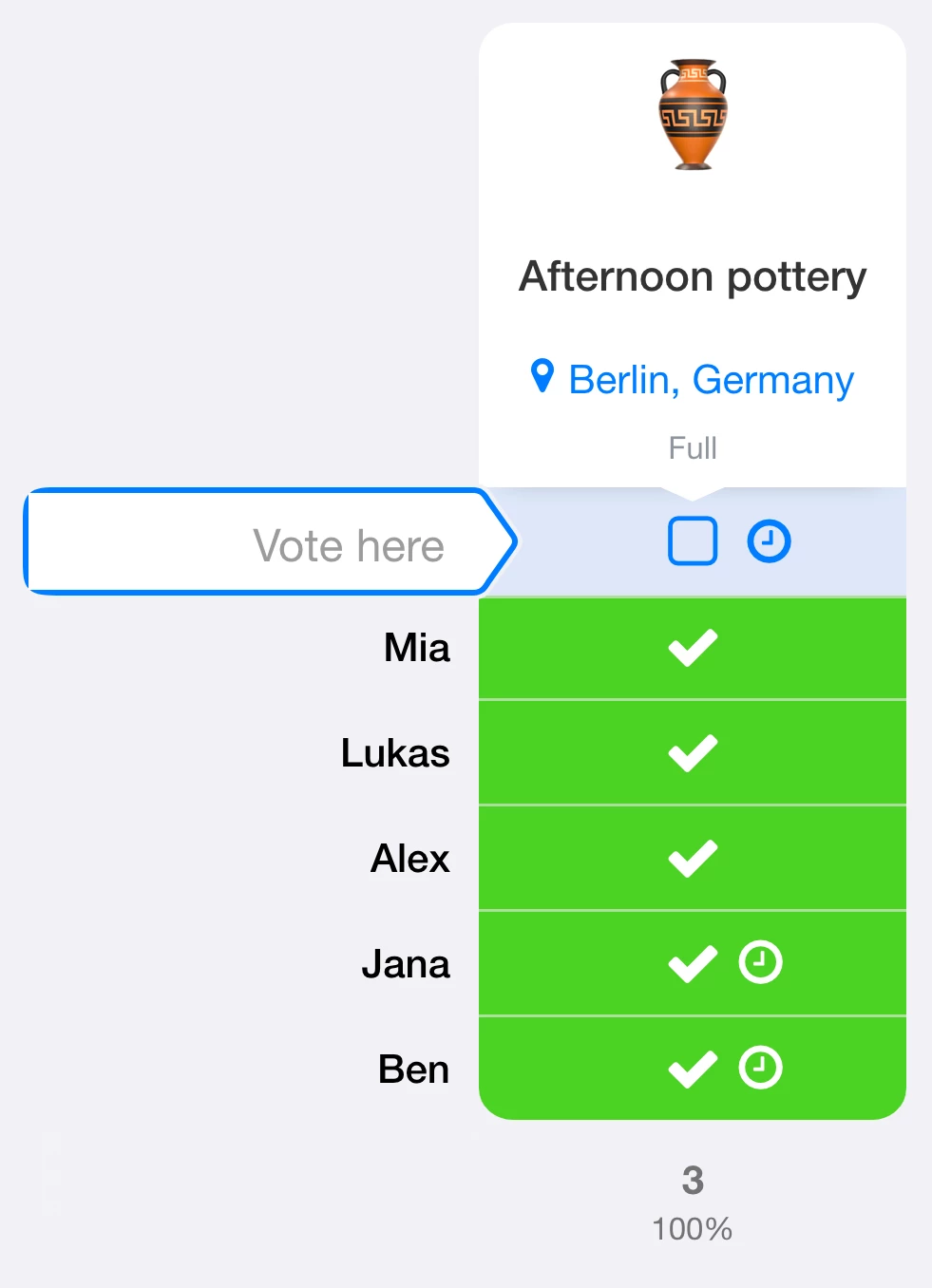
If space, equipment or coaching capacity is limited, set a limit and consider a waiting list. Waiting participants do not yet have confirmed places. Waiting lists require Platin; the training demo above shows ordinary attendance without a waiting list.
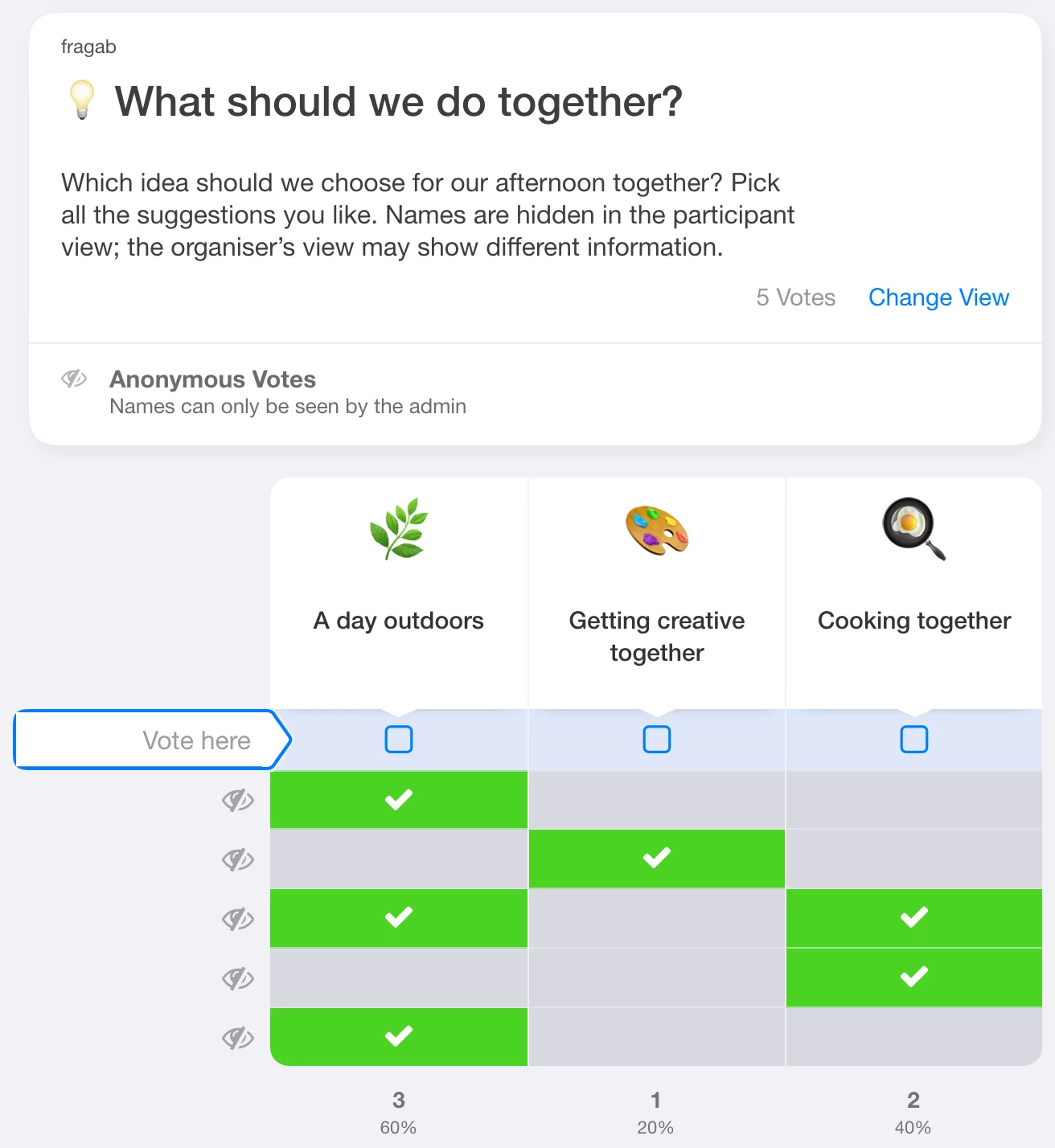
For private signups, hide other participants’ names, votes or both. These privacy settings are included in Gold and Platin. Creator and administrator access remains unless you also enable the additional setting that applies the chosen privacy rules to them. When combining privacy with a waiting list, check its separate status and position visibility settings too.